
Seedream 5.5
ImageByteDance · Text to image · from $0.019
Seedream 5.5 Text to Image by ByteDance generates images from text prompts with improved photographic realism and aesthetics, native transparent-background output, aspect ratio selection, and 1K, 1.5K and 2K output tiers. Ready-to-use REST inference API, best performance, no coldstarts, affordable pricing.
Seedream 5.5 is about edit stability: the official release claims 100 editing rounds with pixel-level preservation outside the edited area, plus native RGBA transparent output.
- Editing: the official announcement claims pixel-level preservation outside the edited region across 100 rounds (ByteDance Seed blog, 2026-11-09).
- Transparency: native RGBA output; BytePlus mentions stacking up to 100 layers. A real alpha PNG requires the upstream transparent toggle — a prompt-only request usually returns a white background.
- Text rendering: severe text error rate reportedly drops from 2.8% to 0.4%, though small Chinese glyphs can still blur when upscaled.
- Sizes: 1K / 1.5K / 2K with 15 aspect ratios; defaults are 1:1 and 1K.
- Billing: upstream charges input image + output image; text tokens are not billed separately.
Worth knowing
Third-party tests (2026-11-09/10) found the gap against Nano Banana 2.1 is small, and realism when editing an existing photo trails by roughly 6% — validate on your own assets before switching.
Official samples are not a same-prompt benchmark; this page does not treat them as a comparison verdict.
This model is not yet available in the Draftio canvas. This page summarizes upstream capabilities, official samples and billing; similar models are available in the canvas today.
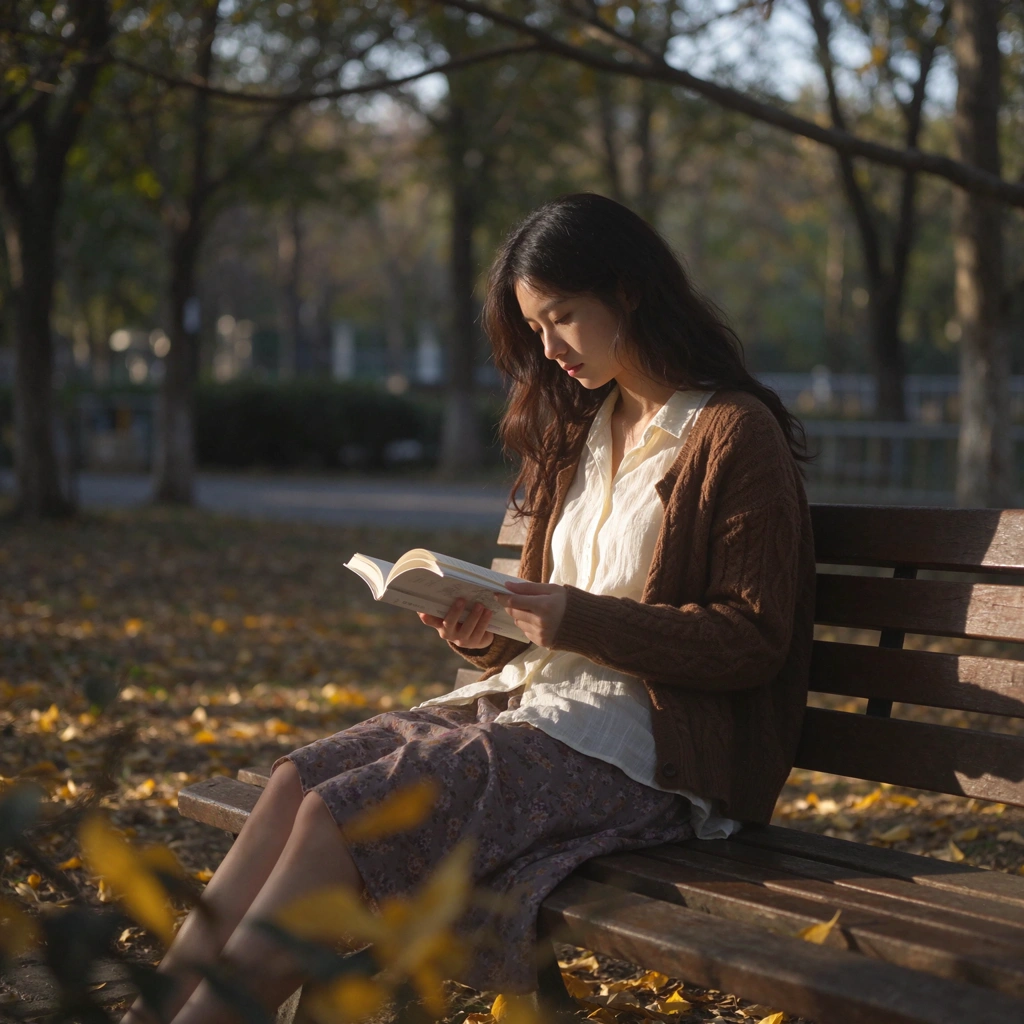
PromptExpand
A young woman reading a book on a sunlit park bench in autumn, golden leaves on the ground, soft afternoon light, natural candid photo, photorealistic, shot on 50mm
Parameters
Official parameters only. Explicit capabilities are limited to what the official description states.
| Dimension | Seedream 5.5 |
|---|---|
| Task | Text to image |
| Starting price | $0.019/run |
| Resolution | 1k / 1.5k / 2k |
| Aspect ratio | 1:1 / 1:2 / 2:1 / 1:3 / 3:1 / 2:3 +9 |
| Duration | — |
| Explicit capabilities | Text to image |
Explicit capabilities are only those stated in the official description. Nothing is inferred.
Pricing
Beyond the starting price, resolution and duration change the actual cost.
| Model | Unit price | Resolution / duration | Source | Verified |
|---|---|---|---|---|
| Seedream 5.5 | $0.019/run | 1k | wavespeed | 11/11/2026 |
Prices are official starting prices, excluding tax and FX. Refer to the official source.
Samples for this task
Official samples. Task and parameters are defined by the original page.
A young woman reading a book on a sunlit park bench in autumn, golden leaves on the ground, soft afternoon light, natural candid photo, photorealistic, shot on 50mm
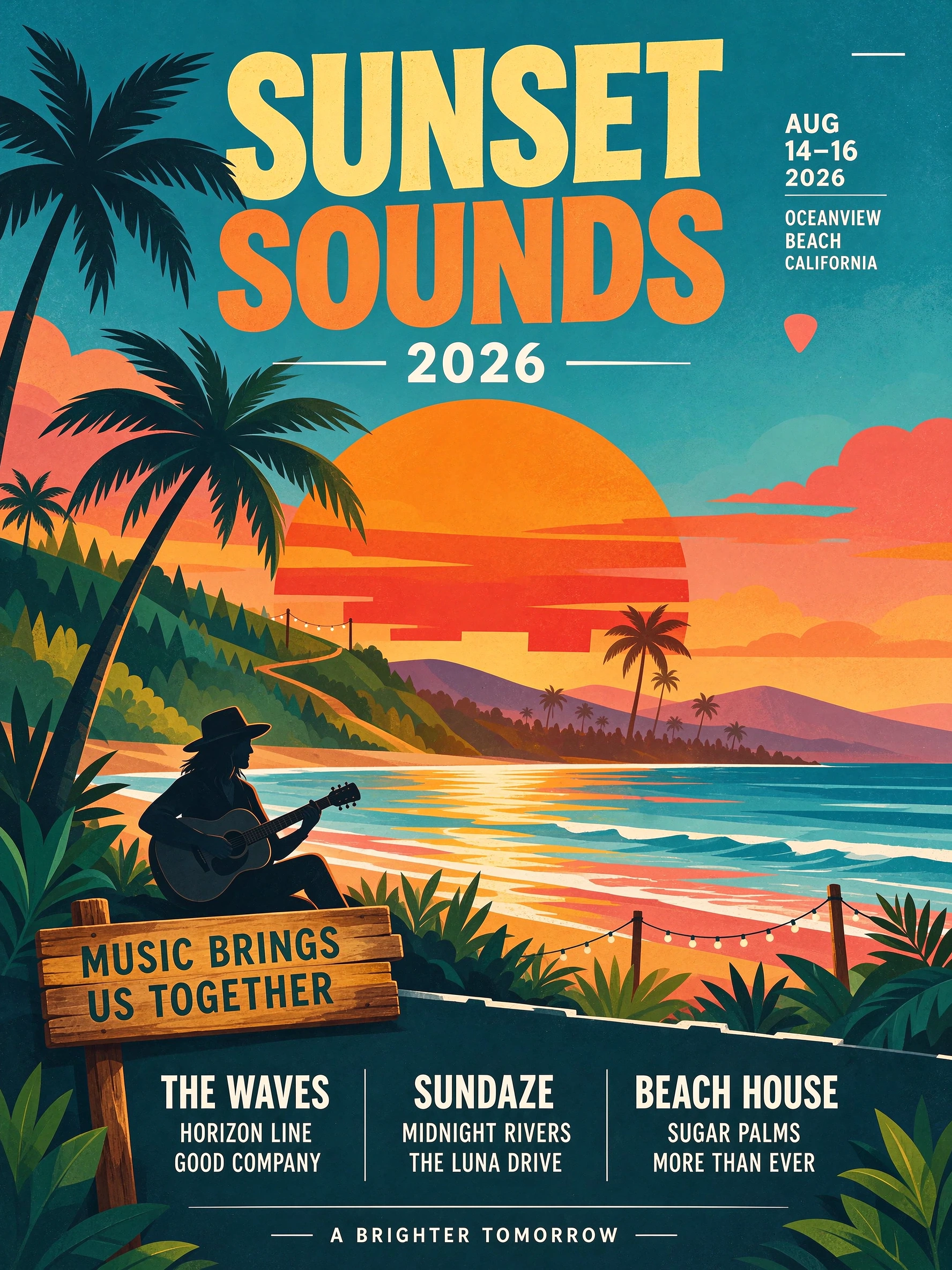
A summer music festival poster: bold headline text "SUNSET SOUNDS 2026", a stylized orange sun over palm trees, a guitar silhouette, small line-up text at the bottom, flat graphic design, vibrant colors
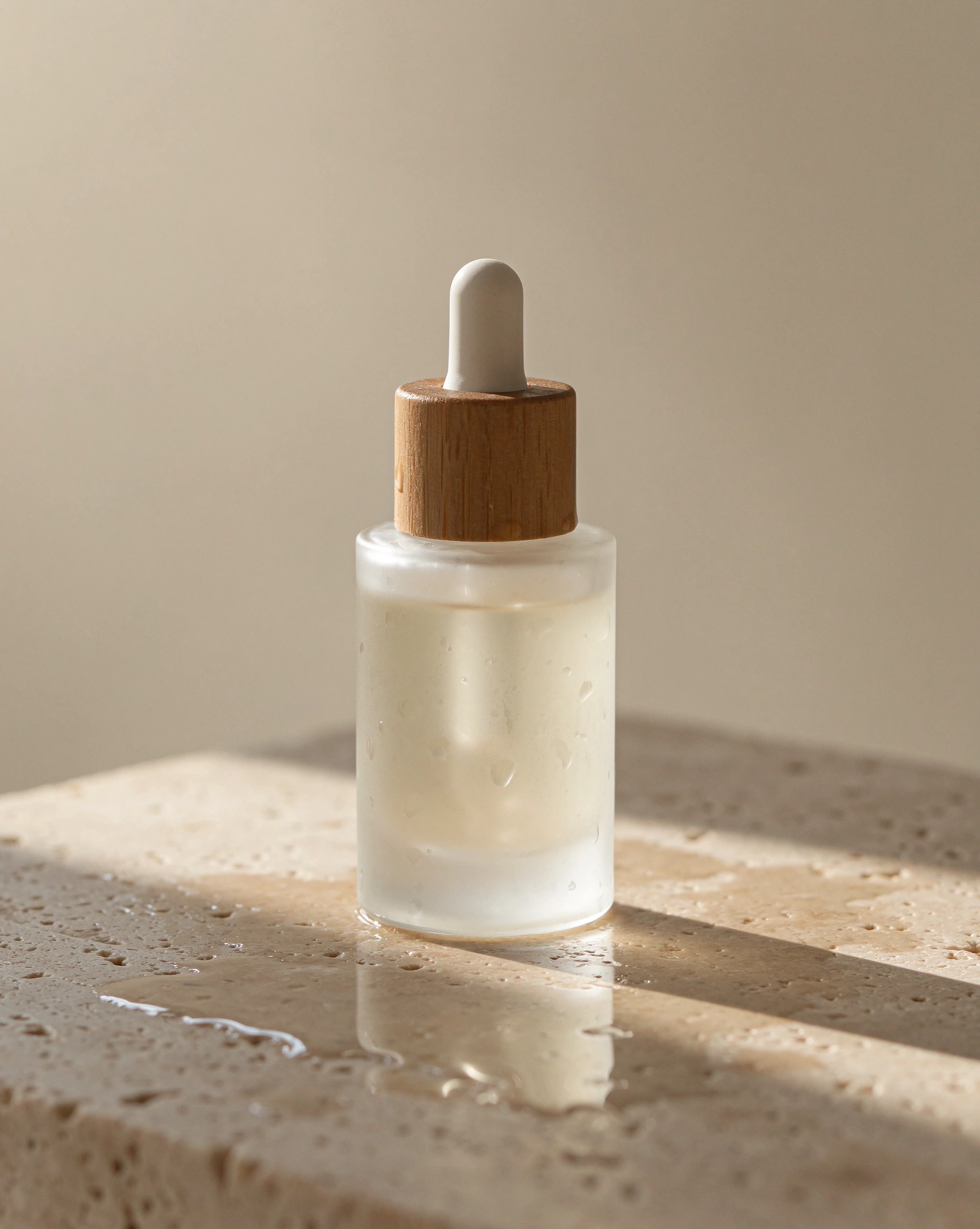
A minimalist skincare product shot: a frosted glass serum bottle with a wooden cap on a wet travertine stone, soft morning light, water droplets, shallow depth of field, clean beige background, commercial photography
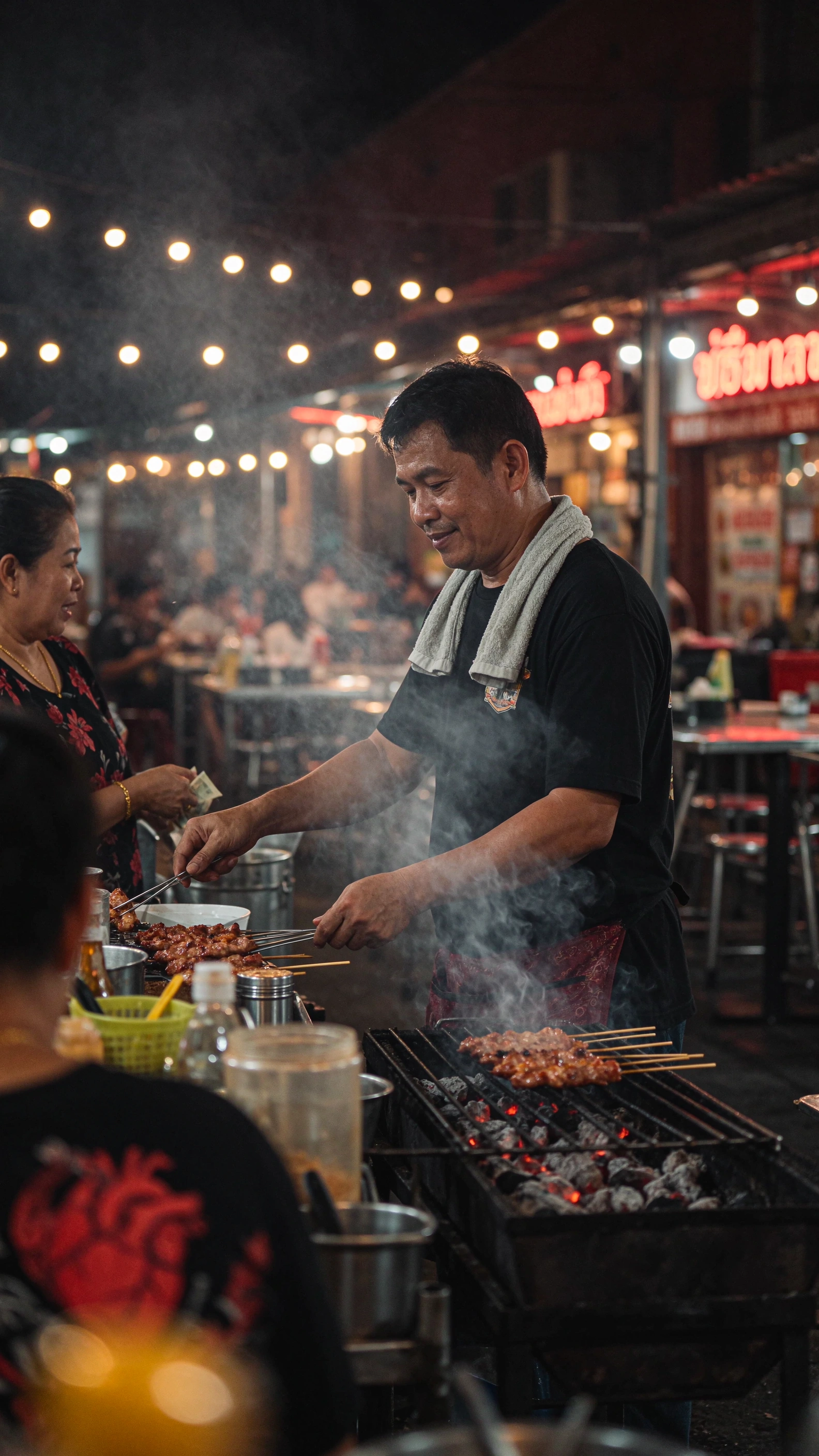
A street food vendor in Bangkok at night grilling skewers, smoke rising, neon signs and string lights behind, candid documentary photo, photorealistic, vertical frame
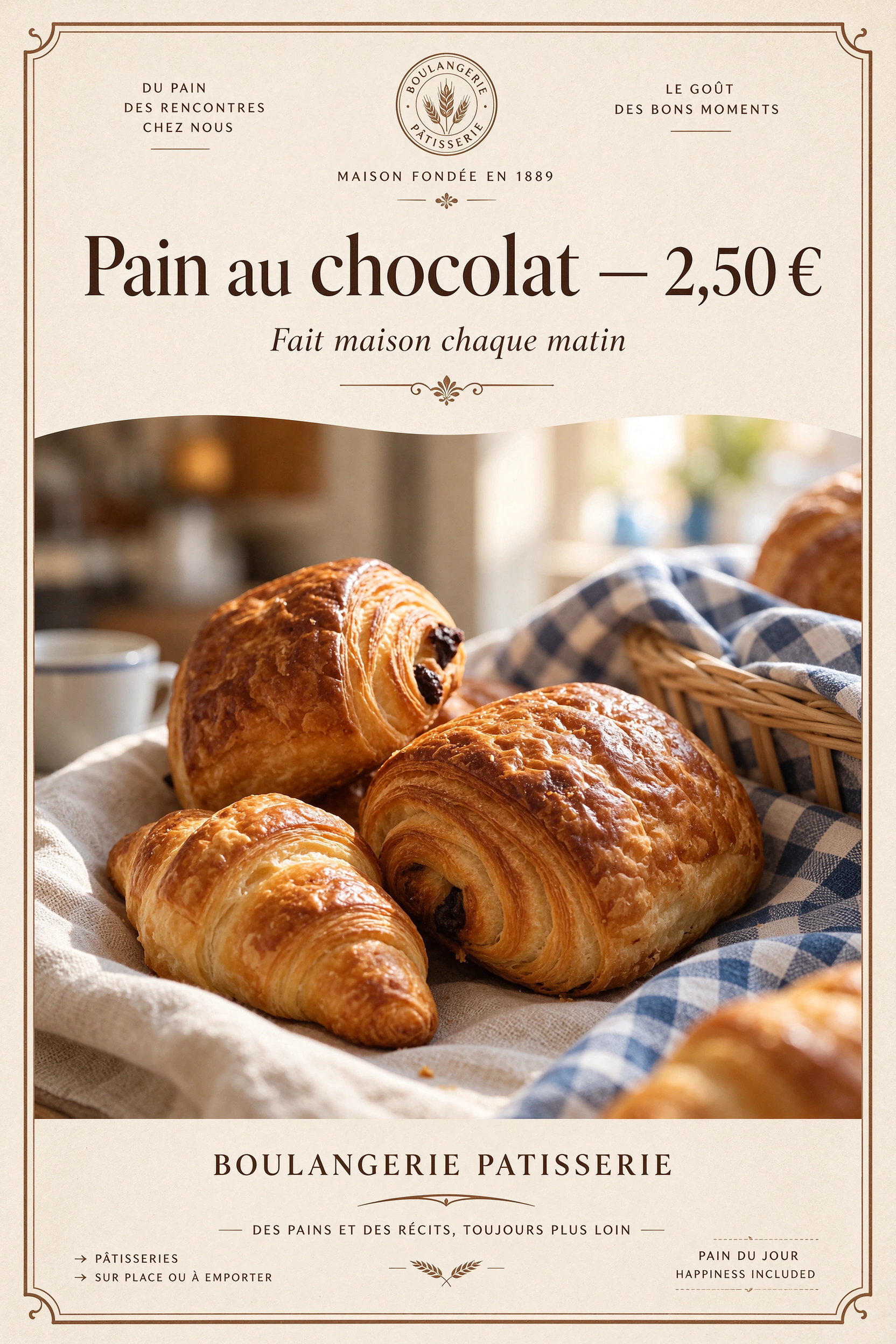
A French bakery window poster with the headline "Pain au chocolat — 2,50 €" in elegant serif lettering, a small line "Fait maison chaque matin", a photo of fresh croissants below, warm cream background, print design
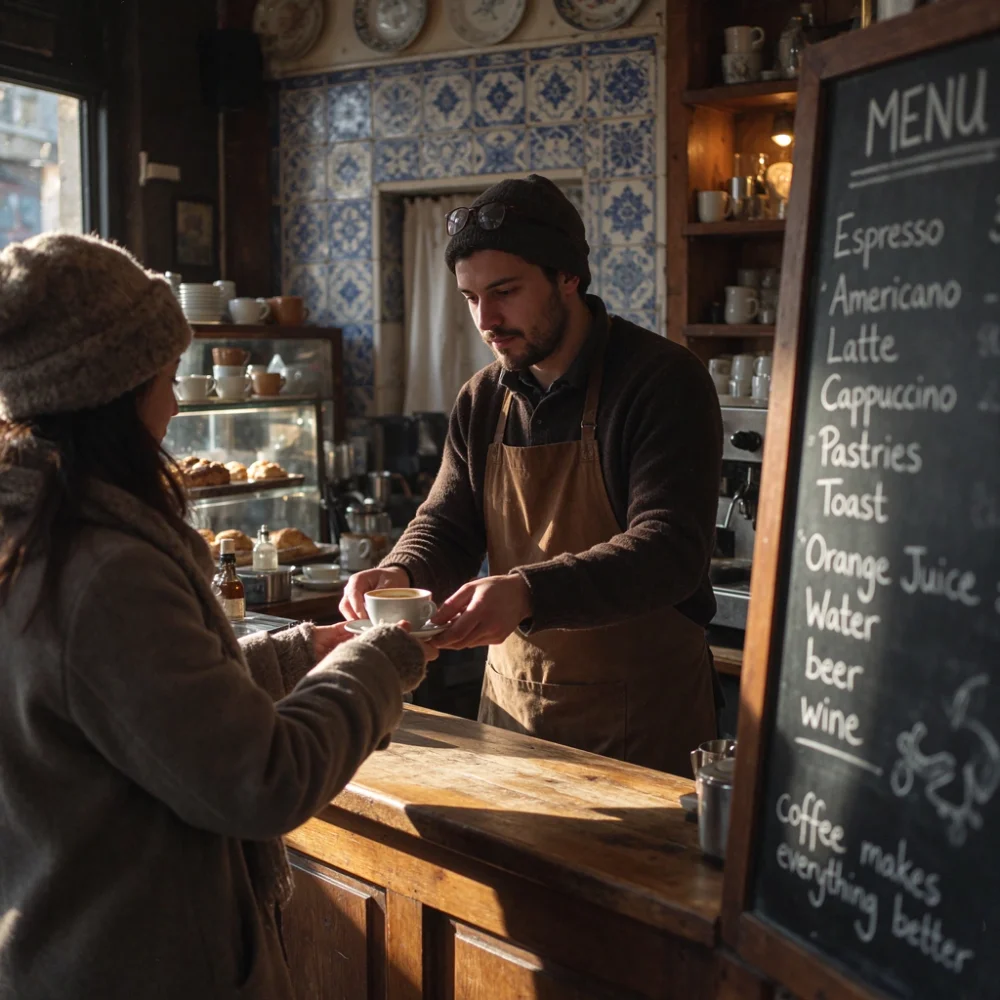
A cozy street-side cafe in Lisbon at golden hour, a barista handing a cup of coffee across the counter, warm natural light, blue azulejo tiles, a chalkboard menu written in English, photorealistic, shot on 35mm
Other models of the same type
Same type, ready for a side-by-side comparison. This is not a ranking.
Data source
Prices and samples come from the wavespeed official model page; last verified 11/11/2026. This page currently includes 6 official samples. Prompts and parameters are defined by the original page.
Prices change with resolution, duration and official updates. This page shows starting prices and default configurations only; refer to the official source for actual cost.
FAQ
- How is Seedream 5.5 different from Seedream V5.0 Pro?
- 5.5 focuses on multi-round edit consistency and native transparency, at roughly half the per-image cost of 5.0 Pro for 2K edits. 5.0 Pro remains an edit-only model. Compare both on your own assets before switching.
- Why do I still get a white background when I ask for transparency?
- The upstream API must enable transparent output to return a PNG with alpha. Writing “transparent background” in the prompt alone usually renders a white backdrop.
- Can I use Seedream 5.5 in the Draftio canvas?
- Not yet. This page summarizes upstream capabilities and official samples; the canvas currently offers Seedream V5.0 Pro / V5 Lite.
- How much does Seedream 5.5 cost?
- From $0.019 per 1K text-to-image run; a 2K square edit is roughly ¥0.28 (public test figures, 2026-11-09). Actual cost scales with resolution and edit rounds — the upstream bill is authoritative. Last verified: 11/11/2026.
- Does Seedream 5.5 support Chinese text?
- The official description does not explicitly list Chinese text capability. Validate with your actual copy before using it for Chinese text.
- What is the official task category for Seedream 5.5?
- The official task category is Text to image (Text to Image API). This page only shows verifiable tasks, prices and parameters; it does not infer use cases.
- How should I choose between Seedream 5.5 and similar models?
- Start with a side-by-side comparison of Seedream 5.5 and Seedream V5.0 Pro: price, parameters and official samples on one page.